30 Mar 20263 min
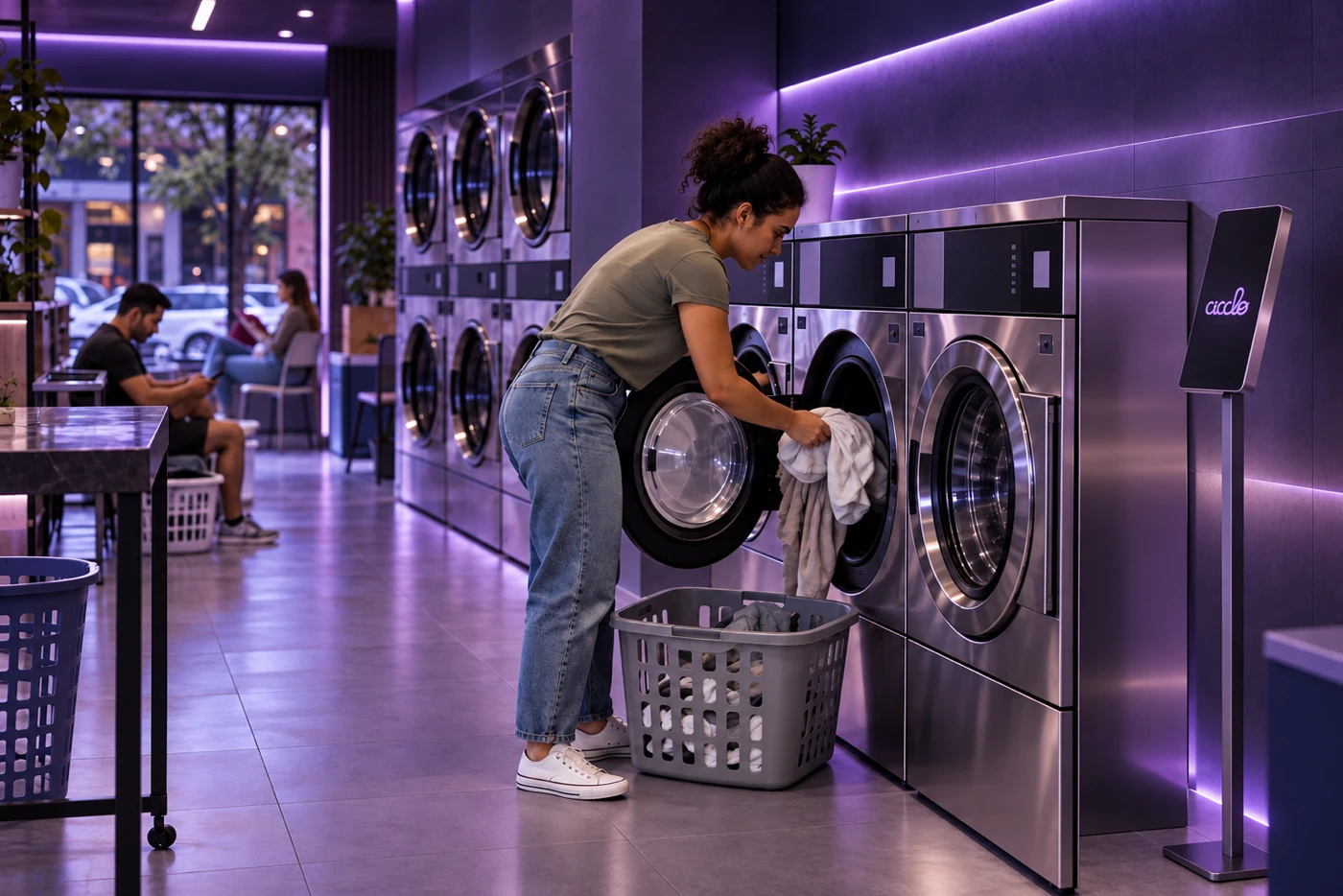
Connected laundry: from payment to a completed cycleA practical laundry journey connecting availability, payment, machine activation and customer support.
Read article →3 min · Updated 03 Oct 2026
Design the parcel journey and handle exceptions without losing compartment control.
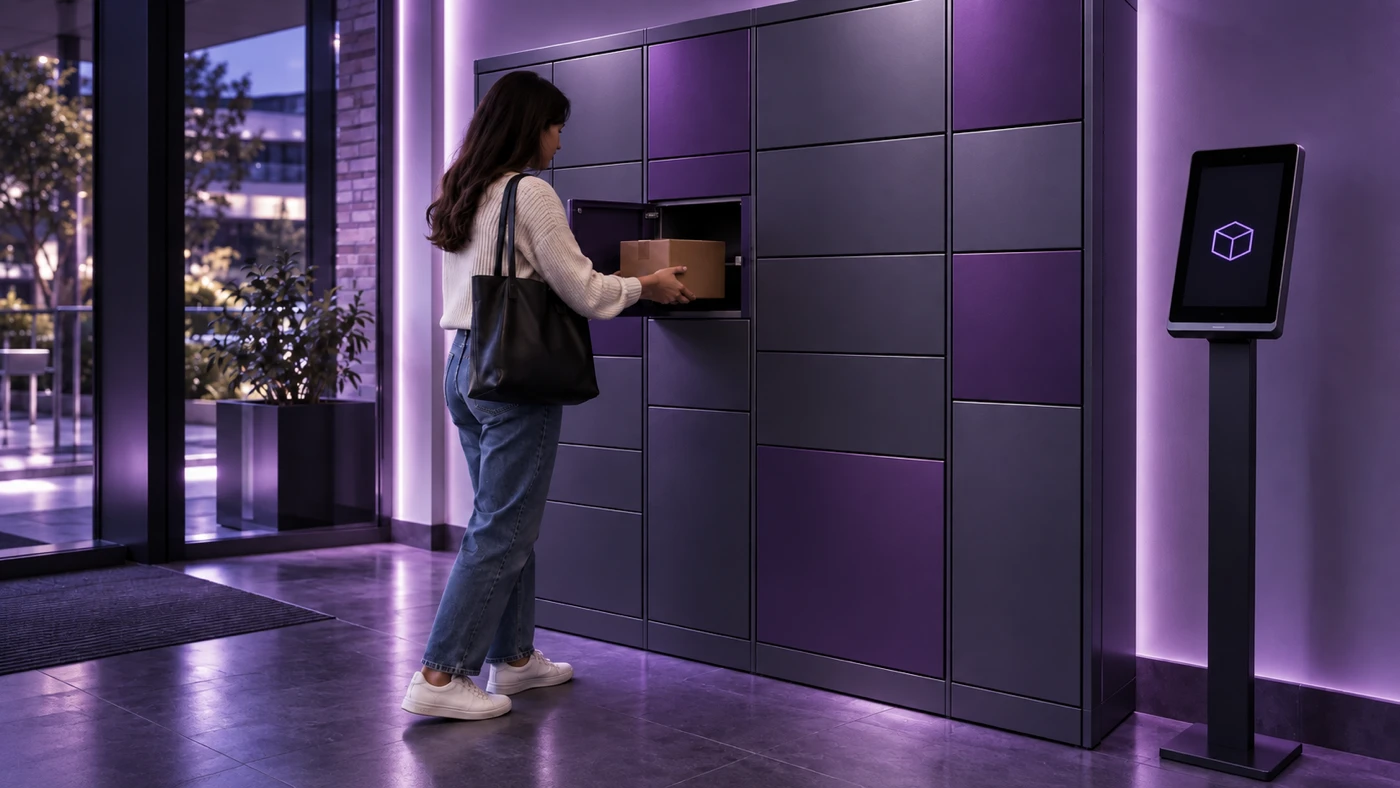
A smart locker connects three different tasks: reserving a suitable space, depositing a parcel and allowing collection by an authorized person. Opening the door is only one event in that process. Operators need to know what was reserved, which compartment received the item and which deposits or collections remain unresolved. Design the journey around local staff and accessible user assistance.
Document states such as available, reserved, deposit in progress, occupied and collected, according to the equipment’s actual signals. An open door does not automatically prove an item was deposited. Establish how reservations expire and how staff investigate compartments stuck in an intermediate state. Physical inspection may be necessary when the integration cannot provide complete evidence.
Collection access should relate to the relevant compartment and operation, with defined usage and validity limits. Avoid instructions revealing unnecessary information about other users. Plan for people who never received instructions or lost their access, including verification of authorization before opening a door. Teams must understand the difference between assisting a user and granting unauthorized access.
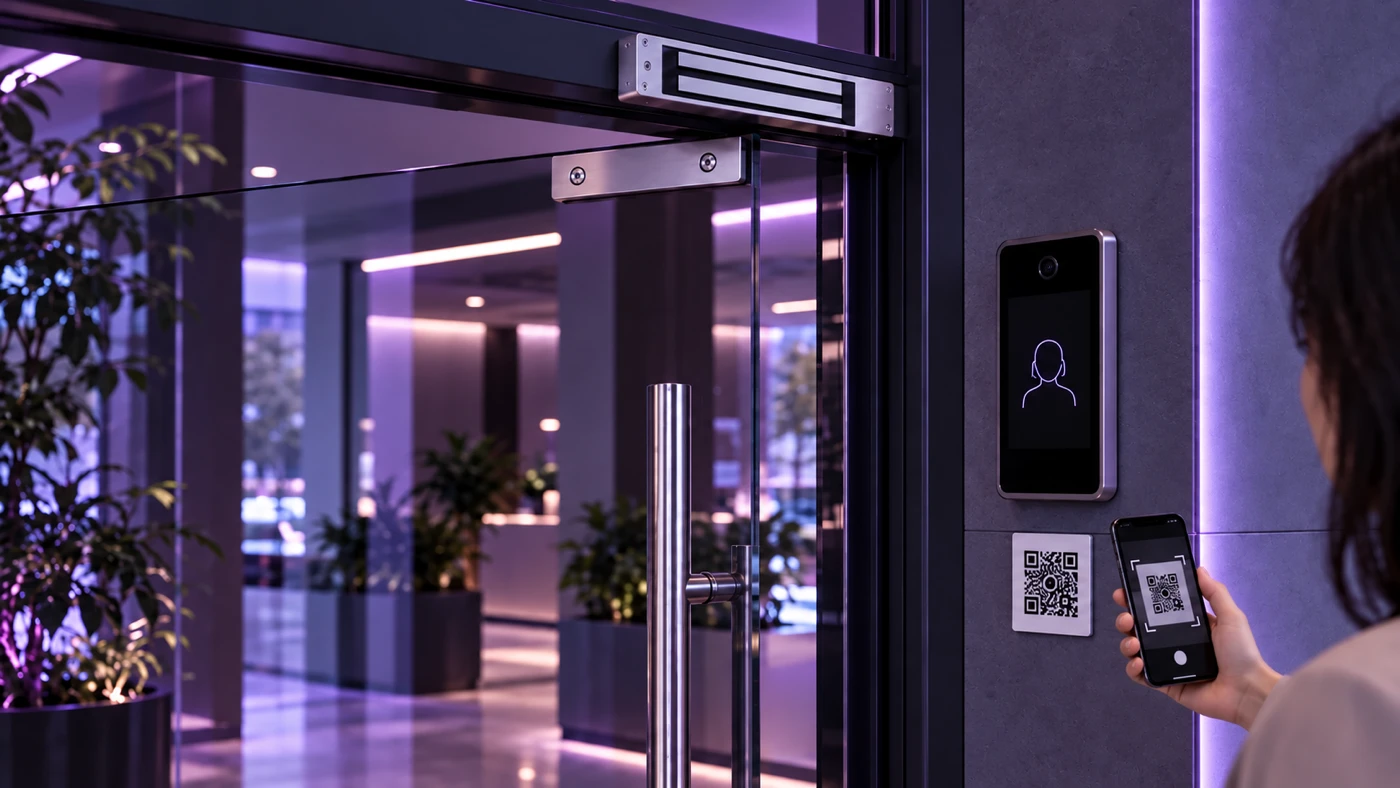
Consider oversized parcels, unavailable compartments, doors without confirmation and connectivity interruptions. Decide where the parcel remains while the incident is resolved and who records the case. Repeated attempts should not reserve several compartments for one delivery without an explicit decision. Simple messages and visible support help users distinguish normal waiting from situations requiring assistance.
If a user opens a door but collection is not confirmed, preserve the history and review equipment events. Do not automatically mark the compartment empty for another delivery. Staff should follow verification appropriate to the model and record the result. Track deposit-to-collection time, expired reservations and manual interventions. These indicators expose stages of the journey that need adjustment.
Self-service technology and operations
Cicclo editorial content helping operators connect payments, equipment and management. Examples are illustrative and should be adapted to each operation.
A practical laundry journey connecting availability, payment, machine activation and customer support.
Read article →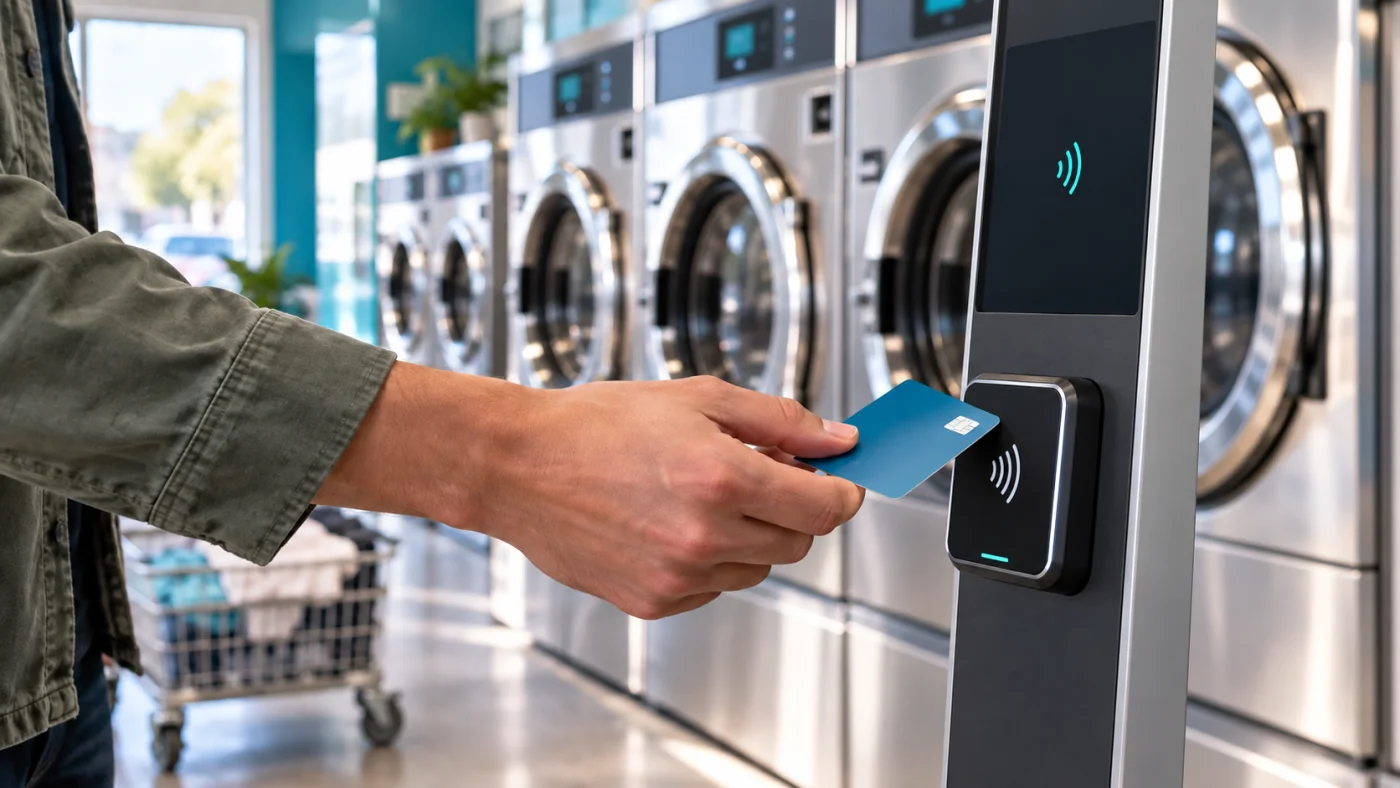
PIX and cards need a clear link between the transaction, the selected machine and the confirmed cycle.
Read article →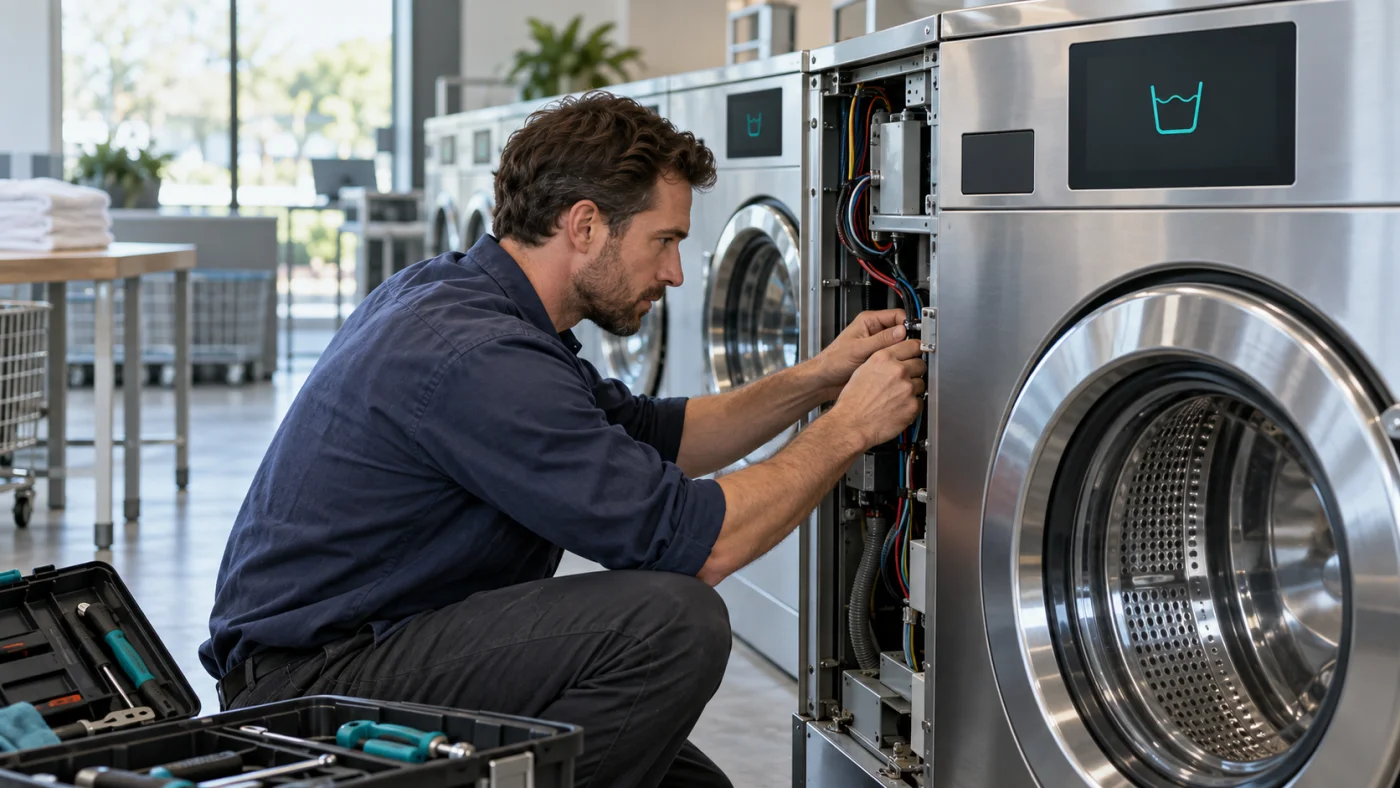
A practical approach to classifying alerts, investigating causes and coordinating maintenance with context.
Read article →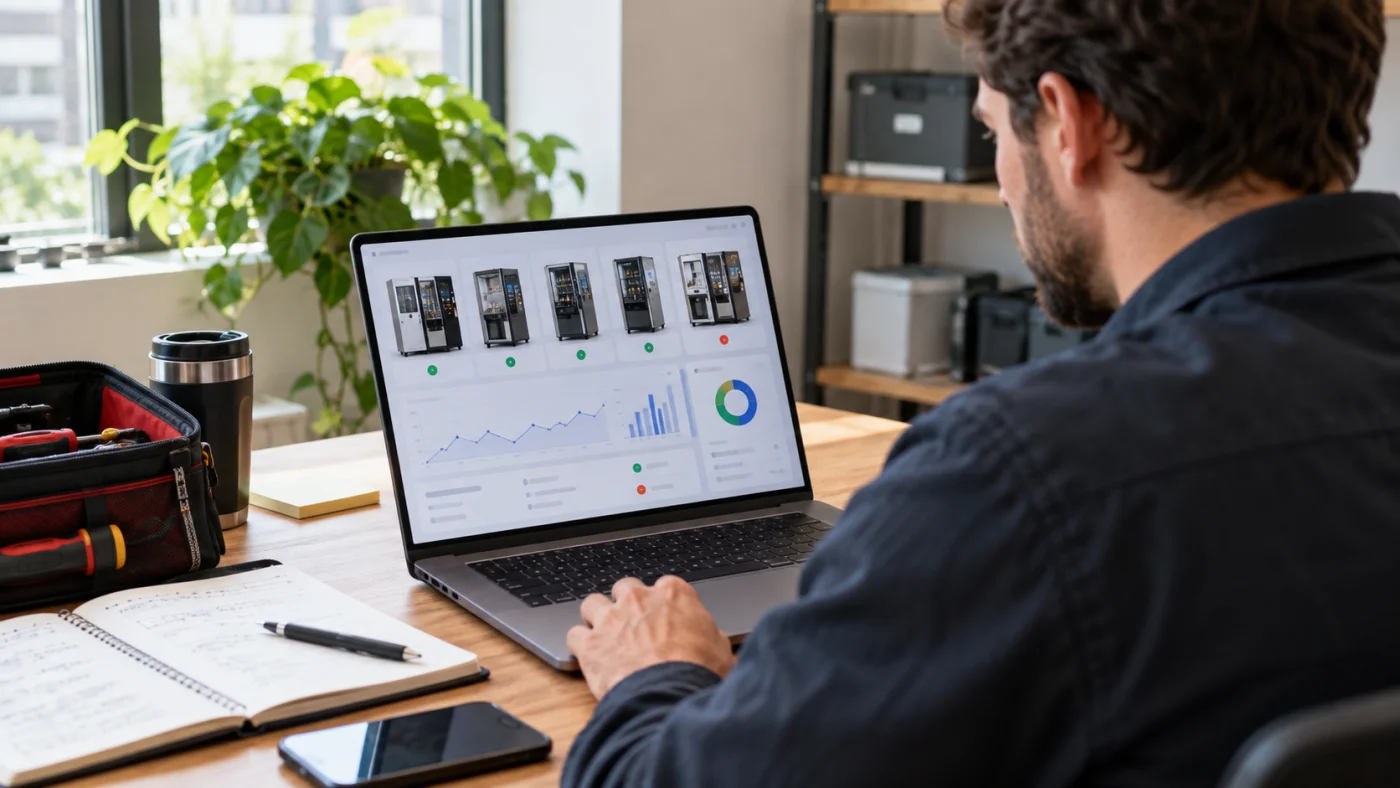
Understand connectivity, fresh telemetry, operational availability and confirmed cycle events.
Read article →